Cloud-based Business Phone System With AI Voice Agents

callvix-icon

Business Phone System With An AI Receptionist

Give your business a smarter phone system with an AI receptionist that answers calls, routes customers to the right person, and handles routine conversations automatically. Manage all your business calls easily from any internet-connected device, wherever you work. No PBX hardware required.

  • No PBX hardware required
  • Keep your existing number
  • Cancel anytime

Trusted by 10 Plus Orgs – marketers, sales, call centers and entrepreneurs

What Is an AI-Powered Business Phone System?

An AI-powered business phone system is a cloud-based business communications platform that combines professional business calling with AI voice agents, intelligent call routing, call automation, messaging and real-time call insights.


Callvix combines AI-powered calling with the core communication tools businesses need to manage inbound and outbound calls, customer conversations and team communications from one platform.

Missing alt text

Low-quality meta description

Missing H1

Essential Call Management Features

Call Management Features To Ensure All The Calls Are Handled Properly

Build intelligent menus, route callers to the right person, manage queues, and give your team the context they need with real-time insights and CRM data. Callvix brings your essential call management features into one AI-powered phone system so you can stop stitching together multiple vendors and start managing every call from one place.

Revenue Overview

$

1
125%

Revenue is up +$418 compared to last month.

Jun
Jul
Aug
Sep

Multi-level IVR

Guide callers to the right team with multi-level IVR menus. Set custom greetings and routing for business hours, after hours, and holidays, in every language you support.

Intelligent call routing

Route on caller ID, region, language, account value, agent skill or who spoke to them last. Ring groups, round robin and sticky agent all in one rule set.

AI call insights

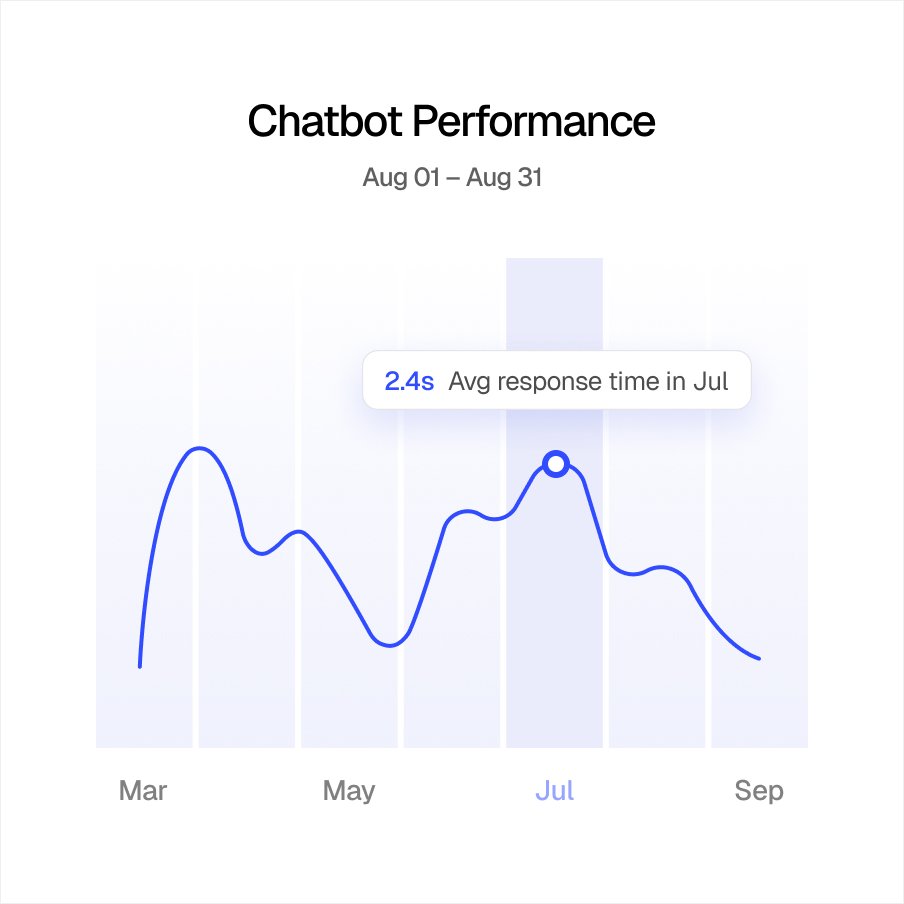
Every call transcribed, summarised and scored for sentiment. Search past conversations by phrase instead of scrubbing recordings.

Enable biometric Access

Login quick and securely with the fingerprint stored on this device

Set Up Touch ID

Call queuing

Hold music, position announcements, expected wait time and callback offers. Overflow to voicemail, another team or the AI receptionist instead of a busy tone.

Live call monitoring

Listen in, coach reps privately with whisper, or barge in when a call needs your help, so your team can handle every conversation with confidence.

Revenue Overview

$

1
125%

Revenue is up +$418 compared to last month.

Jun
Jul
Aug
Sep

CRM integration

See the customer record when the phone rings, click to call from any contact list, and have transcripts, and call outcomes saved, without manual data entry.

Instant Transfers
Total Transferred
$ 1
  • Average transfer time: <3s
  • Success rate: 99.9%
Bank Accounts

$7,200

Digital Wallets

$3,800

Cross-Border

$1,450

The AI receptionist answers what your team shouldn’t have to

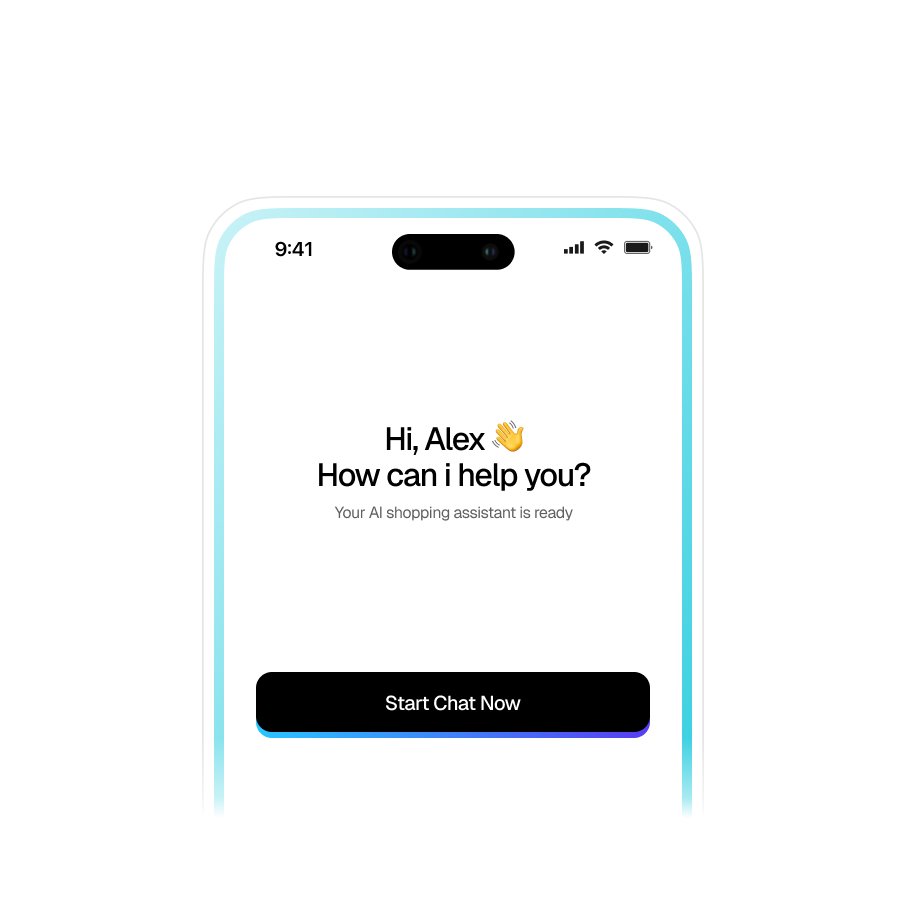
Route any number, menu option, or overflow call to an AI agent that answers in a natural voice, uses your business knowledge to respond accurately, and hands off to a person whenever human help is needed.

What’s Different with Callvix?

What changes when you switch your business phone system to Callvix?

See how Callvix replaces the complexity of traditional business phone systems with a flexible, cloud-based solution that’s easier to set up, manage, scale, and use from anywhere.

Traditional Phone System Callvix Business Phone System
Getting started Install hardware, configure lines, and wait for setup Get your business phone system running in the browser
Updating call routing Depend on IT or your phone vendor for changes Update menus, routing, and rules in minutes
Team calling Separate desk phones, extensions, and forwarding One business number across desktop, web, and mobile
Remote teams VPNs, forwarding, and workarounds Is cloud-based and can be operated from anywhere
After-hours calls Send callers to voicemail or pay for an answering service Let an AI receptionist answer, qualify, and book calls 24/7
Call intelligence Recordings that are difficult to review Searchable transcripts, AI summaries, and call insights
Adding locations Install and maintain another phone system Add numbers, users, and routing rules without new hardware
Cost structure Hardware, maintenance, installation, and per-line costs One predictable subscription with no phone-system hardware
Setting Up a Business Phone System in Callvix

How to Set Up a Business Phone System in Callvix?

To get a virtual phone number from Callvix, select a supported country, choose an available number with the required telephony features, complete any necessary verification, and connect it to your business call workflow. You can use it as a local or international virtual number without a traditional phone line.

  • Sign up to Callvix and Log into your Account Create your Callvix account and log in to access your cloud-based business phone system, calling tools, and account settings.
  • Choose a New Number or Keep Your Existing Business Number Select a new local, toll-free, mobile, or international business number, or port your existing business number to Callvix.
  • Set Up Call Routing and Call Management Rules Configure IVR menus, ring groups, queues, business hours, and intelligent routing rules to direct every caller to the right person or team.
  • Add Your AI Receptionist Connect an AI receptionist to answer routine questions, qualify leads, book appointments, and transfer callers to your team when human assistance is needed.
  • Connect Your Apps and Start Calling Integrate your CRM, help desk, calendar, and other business tools, then make and receive calls from your browser or mobile device.
Solutions for All Types & Sizes of Businesses

One Phone System. Built Around How Your Business Works.

Configure Callvix to match how your calls come in, how your teams work, and how you serve customers.

Multi-location Businesses

Route calls to the nearest available location while giving head office centralized visibility and reporting across every branch.

Remote Teams

Give employees the same business number. Monitor calls, coach reps, and keep business calls off personal numbers.

Customer Support

Route callers by skill, offer callbacks instead of forcing customers to wait, and capture transcripts and call outcomes in the right ticket.

Healthcare

Keep patient calls organized with intelligent routing, appointment scheduling, secure workflows, and AI-powered call handling for clinics, medical practices, and healthcare teams.

Real Estate

Never miss a property inquiry. Route buyer and seller calls, qualify leads, schedule appointments, and connect prospects with the right real estate agent.

Restaurants

Handle reservations, takeout inquiries, and customer calls efficiently with AI receptionists, intelligent routing, business SMS, and after-hours call coverage.

Seamless Business Integrations

Connect Your Business Phone System
to the Apps You Already Use

Connect Callvix with your CRM, help desk, calendar, and other business tools to keep calls and customer data in sync. Automate call logging, contact updates, follow-ups, and workflows so your team can work from the apps they already rely on.

Flexible Plans for Every Business

Flexible Business Phone Plans That Scale With You

Scale your business phone system effortlessly with one user to start, unlimited growth options, number retention, no PBX, no contracts, and a free trial.

Billed Annually (Save 20%)
Basic Plan
$10
per user / month Billed anually

Subscription continues to be charged at $10 /month, unless cancelled in Callvix account.

Get Started
  • Up to 30 agents
  • 1 Free Local Number (US or Canada)
  • IVR & Smart Call Routing
  • Standard Support
  • Email Integration
  • Limited AI Agents
Pro Plan Smart Pick
$21
per user / month Billed anually

Subscription continues to be charged at $21 /month, unless cancelled in Callvix account.

Upgrade Now
  • Everything in Basic +
  • Unlimited Agents
  • Priority Support
  • Advanced Analytics
  • CRM Integrations
  • AI Call Summaries
  • AI Transcript
  • Unlimited AI Agents
  • AI campaign
Custom Plan
$Custom
per user / month Billed anually

Subscription continues on a custom plan. Contact us to modify or cancel your subscription.

Talk to Sales
  • Everything in Professional +
  • Unlimited agents
  • Dedicated Account Manager
  • Custom SLA & Onboarding
  • White-label Solutions
  • API Access
Basic Plan
$12
per user / month Billed monthly

Subscription continues to be charged at $12 /month, unless cancelled in Callvix account.

Get Started
  • Up to 30 agents
  • 1 Free Local Number (US or Canada)
  • IVR & Smart Call Routing
  • Standard Support
  • Email Integration
  • Limited AI Agents
Pro Plan Smart Pick
$25
per user / month Billed monthly

Subscription continues to be charged at $25 /month, unless cancelled in Callvix account.

Upgrade Now
  • Everything in Basic +
  • Unlimited Agents
  • Priority Support
  • Advanced Analytics
  • CRM Integrations
  • AI Call Summaries
  • AI Transcript
  • Unlimited AI Agents
  • AI campaign
Custom Plan
$Custom
per user / month Billed monthly

Subscription continues on a custom plan. Contact us to modify or cancel your subscription.

Talk to Sales
  • Everything in Professional +
  • Unlimited agents
  • Dedicated Account Manager
  • Custom SLA & Onboarding
  • White-label Solutions
  • API Access
FAQs

Got Questions? We’ve Got Answers.

1. What is a cloud business phone system?

A cloud business phone system routes your company's calls over the internet instead of copper lines or an on-premise PBX. Numbers, IVR menus, routing rules, queues and voicemail all live in software, so your team can make and take business calls from a desk phone, laptop or mobile app.

2. How does a business phone system work?

A business phone system connects your business numbers to a communications platform and uses configured rules to handle calls. Calls can be routed through IVR, sent to teams or individuals, placed in queues, forwarded, transferred, or directed to an AI receptionist. Callvix lets businesses manage these workflows centrally.

3. Is a cloud phone system the same as VoIP?

No. VoIP (Voice over Internet Protocol) is the technology that carries voice calls over the internet, while a cloud phone system is the broader service hosted in the cloud. Cloud phone systems commonly use VoIP and add features such as IVR, routing, queues, recording, reporting, and CRM integration.

4. How is Callvix different from other business phone systems?

Callvix combines business telephony, call-centre capabilities, messaging, CRM integrations, and AI-assisted calling in one platform. Businesses can manage IVR, routing, queues, recording, monitoring, reporting, and messaging while using AI for transcription, summaries, notes, sentiment analysis, lead qualification, and appointment booking.

5. Is a VoIP phone system better than a landline?

For many businesses, yes. VoIP can offer greater scalability, flexibility, remote access, and advanced call-management features than traditional landlines. However, the best option depends on your internet reliability, business requirements, budget, and existing infrastructure.

6. Do I need new hardware to switch from a PBX?

No. Callvix runs in the browser and in the iOS and Android apps. So with Callvix, you can run your business phone systems from your internet connected devices (laptops/desktops, smartphones, or tablets) that you already have.

7. Can I keep my existing business phone number when switching to Callvix?

Yes. You can port your eligible local, mobile and toll-free numbers to Callvix, and add new numbers in the countries you operate in. Porting runs in parallel with your current service, so calls keep flowing during the switch.

8. How long does number porting take?

Local and mobile ports in the US and Canada typically complete in 5 to 10 business days once the losing carrier validates the request; toll-free and international ports can take longer. You use a temporary Callvix number in the meantime and the switch happens on a date you choose.

9. Is the AI receptionist an add-on?

Yes. The AI receptionist is available as an affordable add-on to your Callvix business phone system. It can answer calls on any number you point to it, greet callers, answer routine questions, book appointments, qualify leads, and transfer callers to the right team when human assistance is needed.

10. How long will it take to set up my phone system with Callvix?

Callvix can be set up in minutes, not weeks. Configure your business number, users, call routing, and AI receptionist from your browser, then start making and receiving calls without installing on-site phone hardware.

11. How many users and locations can one account have?

There is no hard cap. One account can hold numbers in multiple cities and countries, with separate business hours, greetings, ring groups and reporting per location, which is how multi-site and franchise businesses run head office and branches together.

12. Can a business phone system handle SMS as well as calls?

Yes. Modern business phone systems can combine calling and SMS. Callvix supports features such as shared numbers, SMS templates, scheduled SMS, auto-replies, broadcast messaging, and shared inboxes.
CallVix, Wherever You Work

One Platform. Available on Every Device.

Access Callvix across iOS, Android, Windows, and Linux. Stay connected with your customers, manage calls and SMS, and keep your team productive wherever business takes you.

Number Available
+ 1 Countries
Portfolio Growth
85%
$ 1
Goal: $15,000

Create your account