Inbound Call Center Software To Manage High Volume of Inbound Calls

callvix-icon

Run a Virtual Call Center Without the Cost of an Office

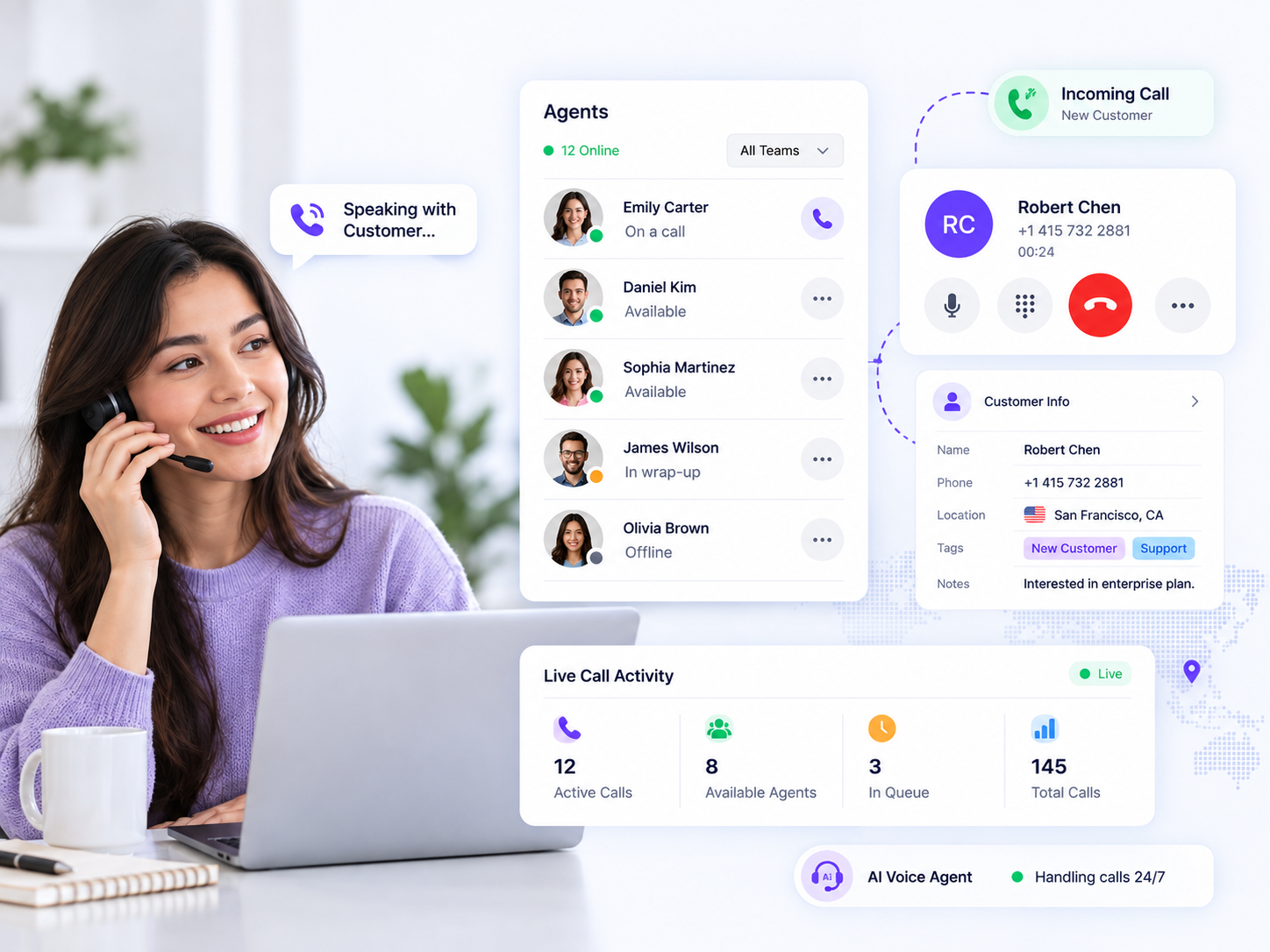
Stop letting office space, complex hardware, and location limits slow down your call center. Use Callvix virtual call center software to hire and onboard remote agents in minutes, manage calls and campaigns from any browser, and give supervisors one real-time view of every queue, agent, and customer interaction so your team can scale faster from anywhere.

  • Cloud-based deployment
  • Onboard agents in minutes
  • Work from anywhere

Trusted by 10 Plus Orgs – marketers, sales, call centers and entrepreneurs

What Is Virtual Call Center Software?

Virtual call center software is cloud-based contact center software that lets businesses run their calling operations without a physical call center. Agents can log in from a browser and work from anywhere with an internet connection, while call queues, campaigns, recordings, reporting, and customer data are managed in a centralized cloud workspace. Key features often include remote agent management, call routing, call recording, real-time analytics, CRM integration, and workforce flexibility.


Callvix helps distributed teams maintain visibility and control with live agent status, call monitoring, whisper coaching, and per-agent performance tracking. Its AI voice agents can also handle calls during evenings, weekends, or other periods when human agents are unavailable. This makes Callvix a flexible virtual call center solution for remote customer support, sales teams, and businesses that need reliable 24/7 call coverage.

Operating a Remote Call Center Software

Run a Disciplined Call Center From Anywhere

Keep remote call center operations structured and accountable. Route every interaction intelligently while giving supervisors real-time visibility into agent performance, quality, and service consistency.

  • Sign In and Get Ready Give agents instant browser access with a headset, then automatically apply their availability, skills, and queue assignments.
  • Route Work Automatically Send inbound calls, outbound campaigns, and SMS conversations to available agents based on skills, status, and workload.
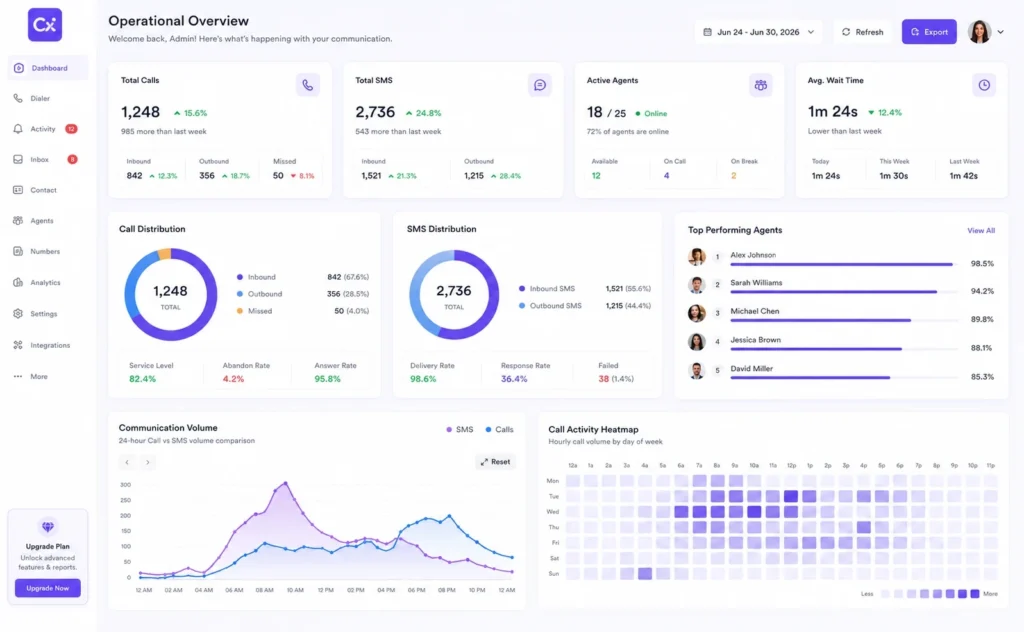
  • Monitor Every Agent Live Give supervisors one call center dashboard to track queues, agent status, active calls, and team performance across locations.
  • Keep Every Handoff Clean Carry AI call summaries, notes, and shared inbox conversations forward so every shift starts with complete customer context.
Advanced Call Management Features

Empower Remote Agents With Better Call Center Tools & Control

Equip your distributed team with remote call center software that centralizes calls, texts, notes, routing, and customer context while giving supervisors real-time control.

Browser-Based Agent Workspace

Let agents call, text, add notes, and manage dispositions from any browser without downloads, installations, or desk-bound systems.

Live Agent & Queue Dashboard

Track agent status, active calls, queue depth, and service levels across every location from one real-time call center dashboard.

Real-Time Remote Coaching

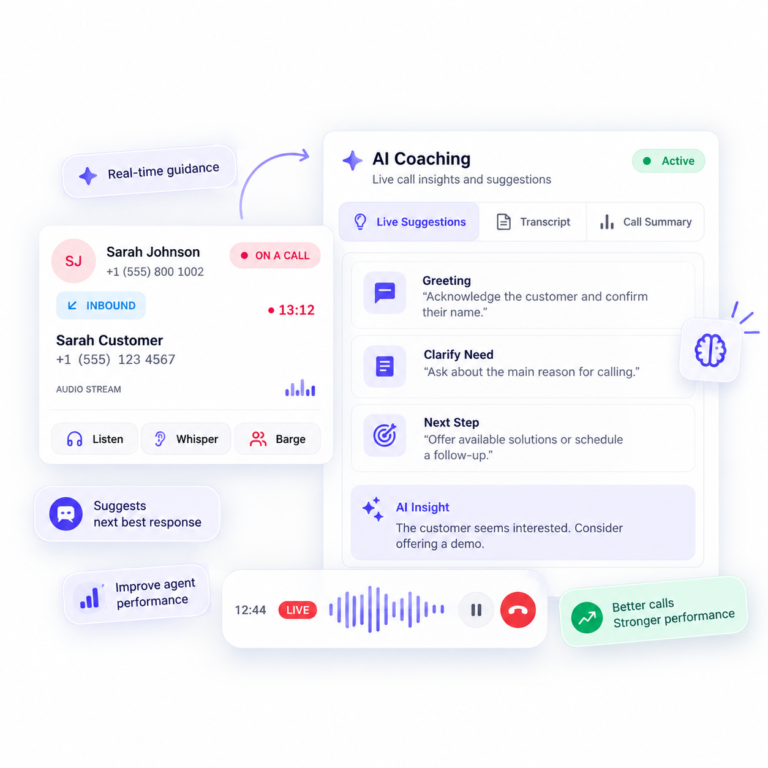
Monitor live calls, whisper guidance, or barge in when needed. Support new hires instantly, regardless of their location or time zone.

Shared Inbox

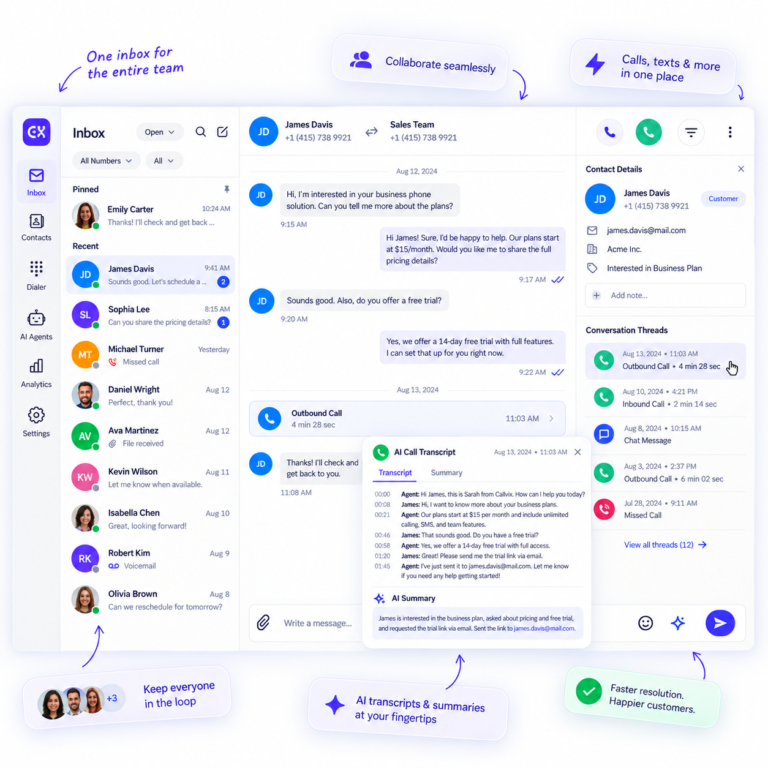
Keep voicemail, SMS replies, notes, and AI call summaries together. Give every agent the customer context needed for faster, smoother resolutions.

Keep Your Call Center Covered 24/7

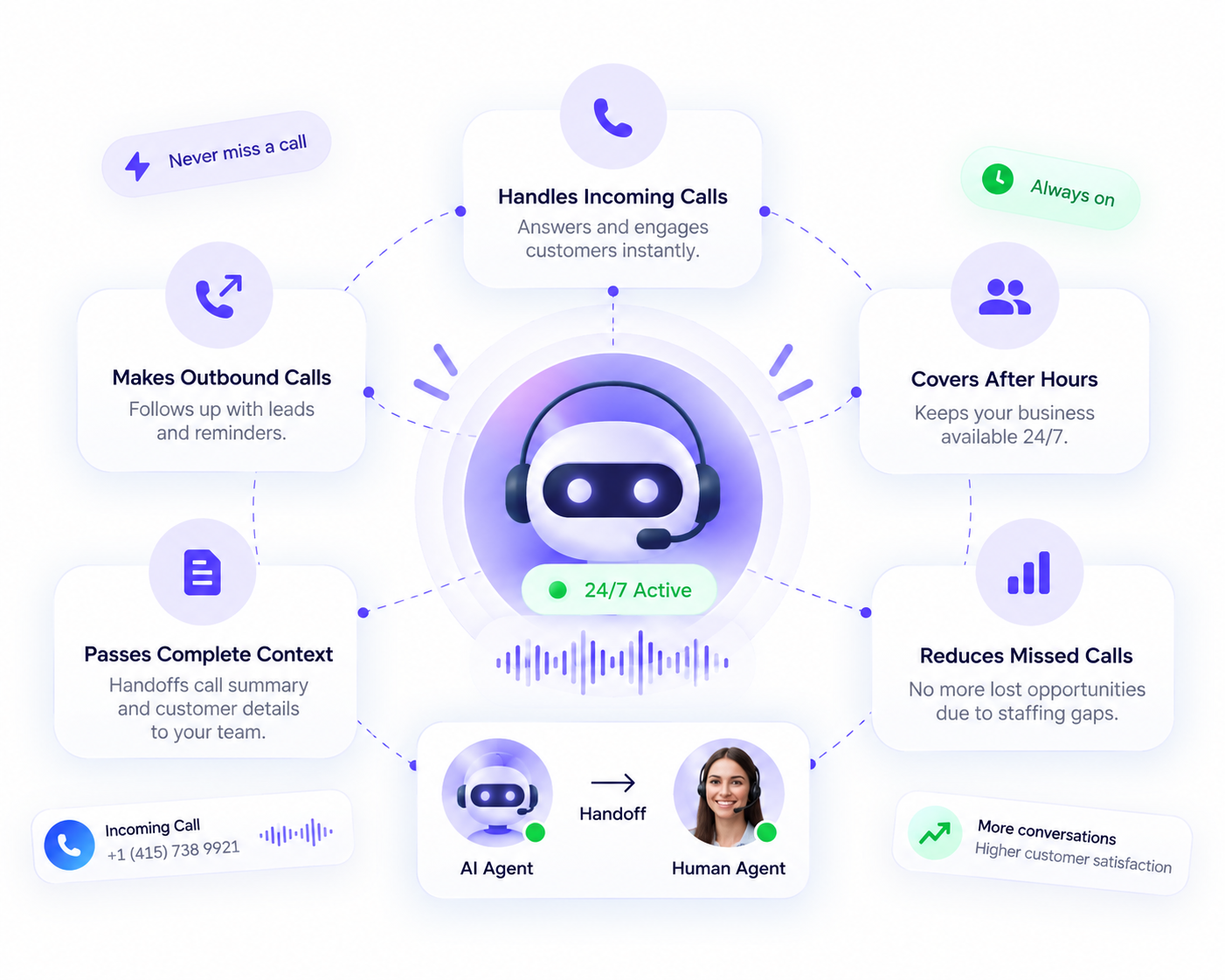
Close staffing gaps without adding full-time headcount. Use AI voice agents to maintain call coverage, handle outbound follow-ups, and hand complete customer context to human agents when they come online.

What’s Different with Callvix?

What Changes With Callvix Virtual Call Center Software?

The same team, without the physical call center. Callvix virtual call center software combines cloud-based calling, remote agent management, live call monitoring, intelligent routing, and AI voice agents to give distributed teams flexible coverage, real-time visibility, and scalable call center operations from anywhere.

On-Site Call Center Setup With Callvix Virtual Call Center Software
Hiring pool Limited to local commuters. Hire agents anywhere with a stable connection.
Onboarding Ship hardware, install software, provision licenses. Create users, assign skills, and go live.
Supervision Remote agents are harder to monitor. Live status, monitoring, whisper, and barge from anywhere.
Coverage Limited to local business hours. Follow-the-sun shifts with AI coverage gaps.
Business continuity Outages can stop call operations. Agents log in anywhere; routing shifts quickly.
Cost base Premises, hardware, and per-seat licenses. Scale seats, numbers, and AI usage as needed.
Solutions for All Types & Sizes of Businesses

Virtual Call Center Software for Distributed Teams

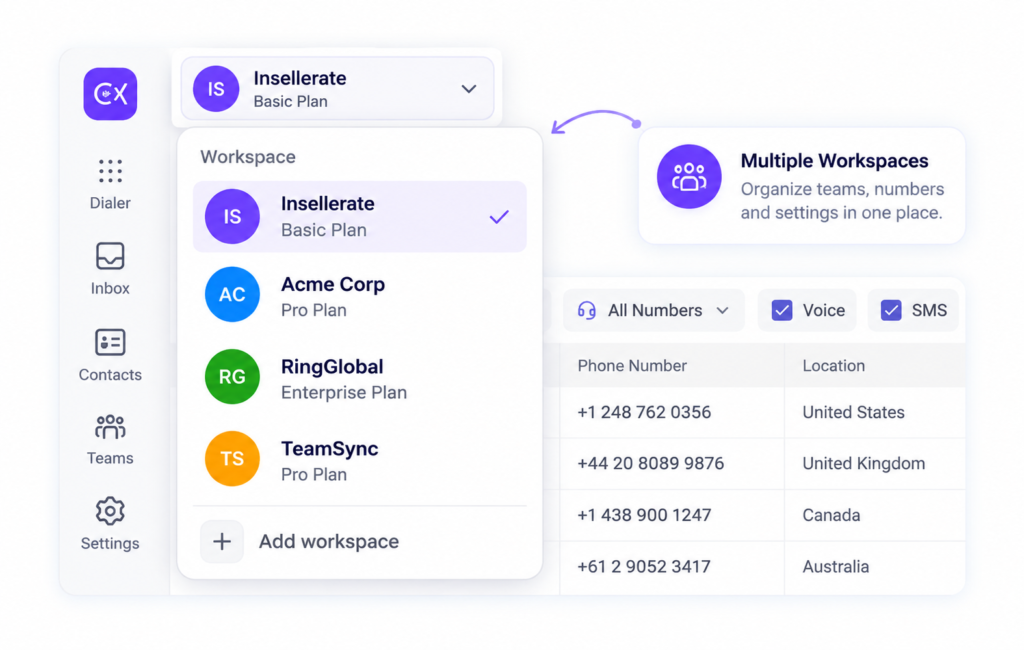
Run remote, hybrid, multi-location, and outsourced operations from one cloud call center platform with connected numbers, queues, workflows, permissions, and reporting.

Hybrid Teams

Let agents switch between home and office while keeping their extensions, queues, assignments, and customer history connected to every login.

Franchise Businesses

Give each branch local numbers, centralize overflow queues, and unify performance reporting across locations for consistent customer service.

Outsourced & BPO Call Centers

Scale agent seats by client while separating data, permissions, and reporting. Manage multiple programs efficiently from one secure virtual call center platform.

Dental Practices

Manage patient calls, appointment scheduling, reminders, and inquiries from anywhere with virtual call center software built for distributed dental teams.

Construction Companies

Coordinate calls between field teams, contractors, and offices with virtual call center software that keeps construction communications organized and responsive.

Insurance Agency

Handle policyholder inquiries, claims calls, and follow-ups efficiently with virtual call center software designed for distributed insurance teams.

Seamless Business Integrations

Connect Your Call Center to the Tools
You Already Use

Give agents one connected workspace instead of forcing them between a virtual call center platform, CRM, and help desk. Automatically surface customer records, capture transcripts and summaries, log outcomes, and trigger follow-up tasks or texts so every interaction moves forward.

Flexible Plans for Every Business

Simple Pricing for Virtual Call Center Software

Choose a virtual call center plan that fits your team today and scales with your call volume, agents, phone numbers, and AI needs as you grow.

Billed Annually (Save 20%)
Basic Plan
$10
per user / month Billed anually

Subscription continues to be charged at $10 /month, unless cancelled in Callvix account.

Get Started
  • Up to 30 agents
  • 1 Free Local Number (US or Canada)
  • IVR & Smart Call Routing
  • Standard Support
  • Email Integration
  • Limited AI Agents
Pro Plan Smart Pick
$21
per user / month Billed anually

Subscription continues to be charged at $21 /month, unless cancelled in Callvix account.

Upgrade Now
  • Everything in Basic +
  • Unlimited Agents
  • Priority Support
  • Advanced Analytics
  • CRM Integrations
  • AI Call Summaries
  • AI Transcript
  • Unlimited AI Agents
  • AI campaign
Custom Plan
$Custom
per user / month Billed anually

Subscription continues on a custom plan. Contact us to modify or cancel your subscription.

Talk to Sales
  • Everything in Professional +
  • Unlimited agents
  • Dedicated Account Manager
  • Custom SLA & Onboarding
  • White-label Solutions
  • API Access
Basic Plan
$12
per user / month Billed monthly

Subscription continues to be charged at $12 /month, unless cancelled in Callvix account.

Get Started
  • Up to 30 agents
  • 1 Free Local Number (US or Canada)
  • IVR & Smart Call Routing
  • Standard Support
  • Email Integration
  • Limited AI Agents
Pro Plan Smart Pick
$25
per user / month Billed monthly

Subscription continues to be charged at $25 /month, unless cancelled in Callvix account.

Upgrade Now
  • Everything in Basic +
  • Unlimited Agents
  • Priority Support
  • Advanced Analytics
  • CRM Integrations
  • AI Call Summaries
  • AI Transcript
  • Unlimited AI Agents
  • AI campaign
Custom Plan
$Custom
per user / month Billed monthly

Subscription continues on a custom plan. Contact us to modify or cancel your subscription.

Talk to Sales
  • Everything in Professional +
  • Unlimited agents
  • Dedicated Account Manager
  • Custom SLA & Onboarding
  • White-label Solutions
  • API Access
FAQs

Got Questions? We’ve Got Answers.

1. How does a virtual call center work?

A virtual call center operates through cloud-based software rather than a physical office. Agents use a browser, headset, and internet connection to handle calls, while queues, campaigns, recordings, routing, and reporting are managed from a centralized platform.

2. What do remote call center agents need to get started?

Remote agents typically need a modern web browser, headset, and stable internet connection. With browser-based call center software, they can access their workspace without a desk phone, VPN client, or desktop application.

3. How do supervisors manage remote agents?

Supervisors use a real-time call center dashboard to view agent status, queue activity, active calls, and performance across locations. Features such as call monitoring, whisper coaching, and call barging provide additional support for remote teams.

4. Can virtual call center software handle inbound and outbound calls?

Yes. Virtual call center software can support both inbound and outbound calling from the same platform. Teams can manage inbound queues, outbound campaigns, SMS conversations, call recordings, and performance reporting in one workspace.

5. How does virtual call center routing work across time zones?

Virtual call center routing can use business hours, time zones, regions, holidays, and agent availability to direct calls to the appropriate team. This allows organizations to provide follow-the-sun call coverage across different locations.

6. Can AI voice agents provide 24/7 call coverage?

Yes. AI voice agents can provide after-hours and overflow call coverage by answering routine inquiries, collecting information, and handling selected customer interactions. They can also generate summaries for human agents to review when they become available.

7. Is call quality reliable for remote agents?

Call quality depends on the cloud calling infrastructure, network stability, and the agent's internet connection. A carrier-grade cloud platform with real-time call quality monitoring can help identify individual connection issues and maintain reliable voice communications.

8. How does virtual call center software protect customer data?

Virtual call center platforms can protect customer data through role-based access controls, permissions, activity logs, encryption, and secure cloud infrastructure. These controls help determine who can access recordings, export data, modify routing, or view customer information.

9. Can I use local phone numbers with a virtual call center?

Yes. Callvix provides local, mobile, and toll-free numbers in multiple countries. Businesses can often purchase new numbers or port existing numbers and route them to specific teams, queues, or locations.

10. Can virtual call center software integrate with CRM and help desk tools?

Yes. CRM and help desk integrations can connect customer records with call center activity. Depending on the platform, integrations can synchronize call details, transcripts, summaries, outcomes, notes, and follow-up tasks.

11. Can agents work from home or different locations?

Yes. A remote call center allows agents to work from home, offices, or other locations with a suitable internet connection. Their queues, extensions, skills, assignments, and customer workflows remain accessible through the cloud platform.

12. How does a virtual call center support business continuity?

A cloud-based call center reduces reliance on a single physical location. If an office experiences an outage, severe weather event, or power disruption, agents can connect from another location and calls can be redirected to available teams.

13. How much does virtual call center software cost?

Virtual call center software pricing varies based on factors such as agent seats, phone numbers, calling volume, features, integrations, and AI usage. Cloud-based pricing can provide more flexibility because capacity can generally scale with business demand.

14. Is virtual call center software suitable for BPOs and outsourced call centers?

Yes. BPO call center software can support multiple clients, teams, and programs from one platform. Features such as separate permissions, client-specific reporting, dedicated numbers, queue management, and scalable agent seats help outsourced providers manage different accounts efficiently.
Callvix, Wherever You Work

One Platform. Available on Every Device.

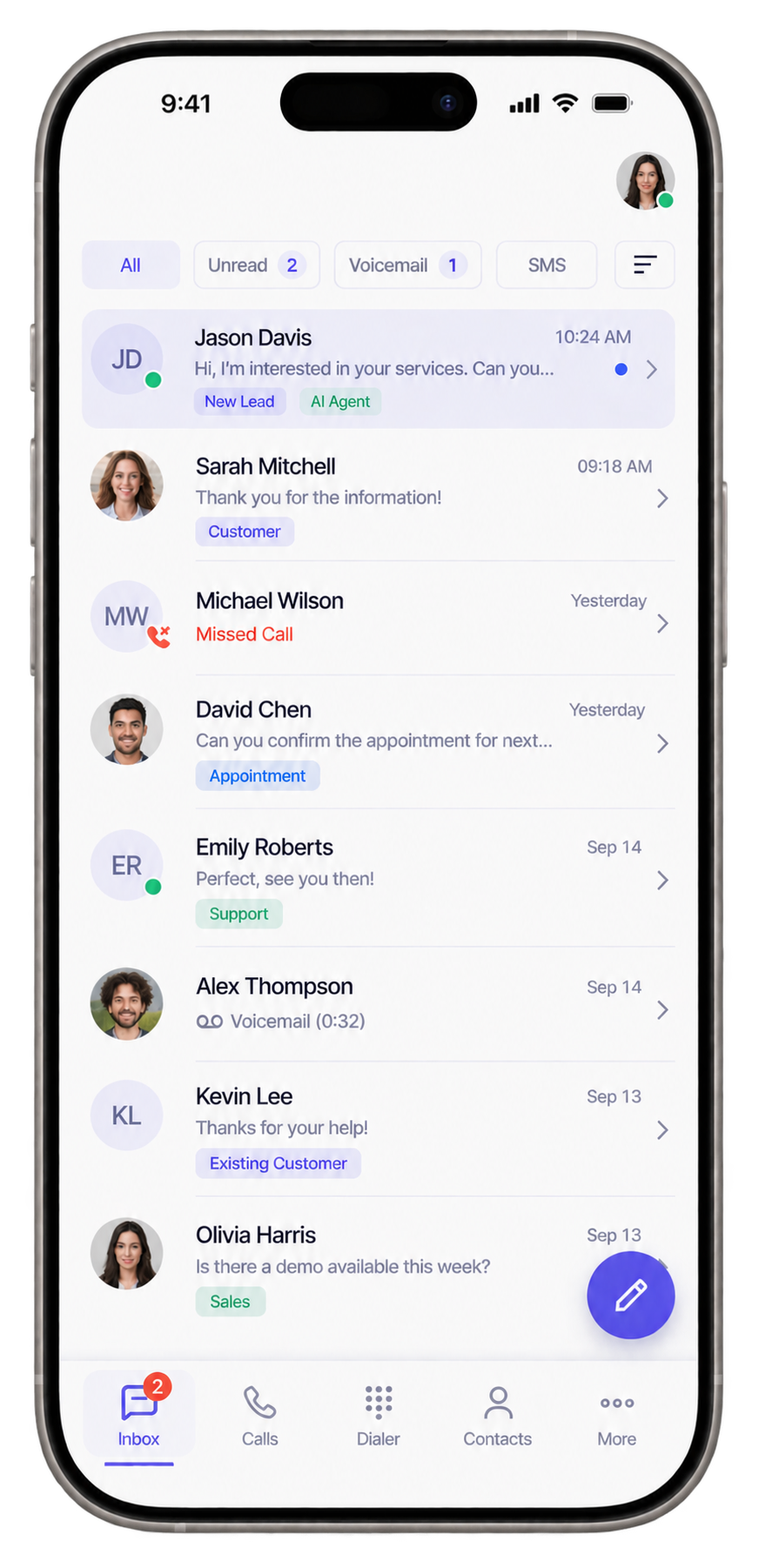
Access Callvix across iOS, Android, Windows, and Linux. Stay connected with your customers, manage calls and SMS, and keep your team productive wherever business takes you.

Number Available
+ 1 Countries
Number Enrolled in The Callvix
85%
1
Goal: 10,000

Create your account